Confluence's native PDF export has no cover page. Here's how to add a professional title page — with your logo, accent color, and subtitle — to any Confluence PDF export.
Read more
Sharing Confluence documentation with clients who don't have Confluence access is a common problem. Here's how solutions engineers and technical writers export polished, professional PDFs without manual formatting.
Read more
Stop reformatting every PDF export by hand. Here's how to set up reusable PDF templates in Confluence so every export from your team looks the same — with cover pages, branded headers, watermarks, and the right page layout.
Read more
Confluence is powerful for documentation — but the right Marketplace apps can make it significantly better for technical teams. Here are the best apps for technical documentation in 2026.
Read more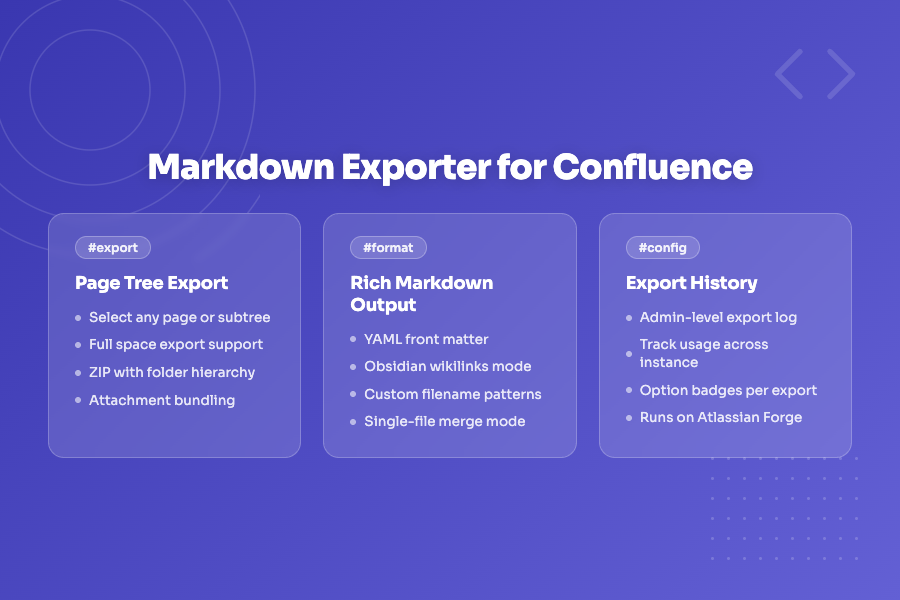
Use Confluence as your team's editing surface and Git as the source of truth. Here's how to export Confluence pages to structured Markdown files that slot directly into a docs-as-code pipeline.
Read more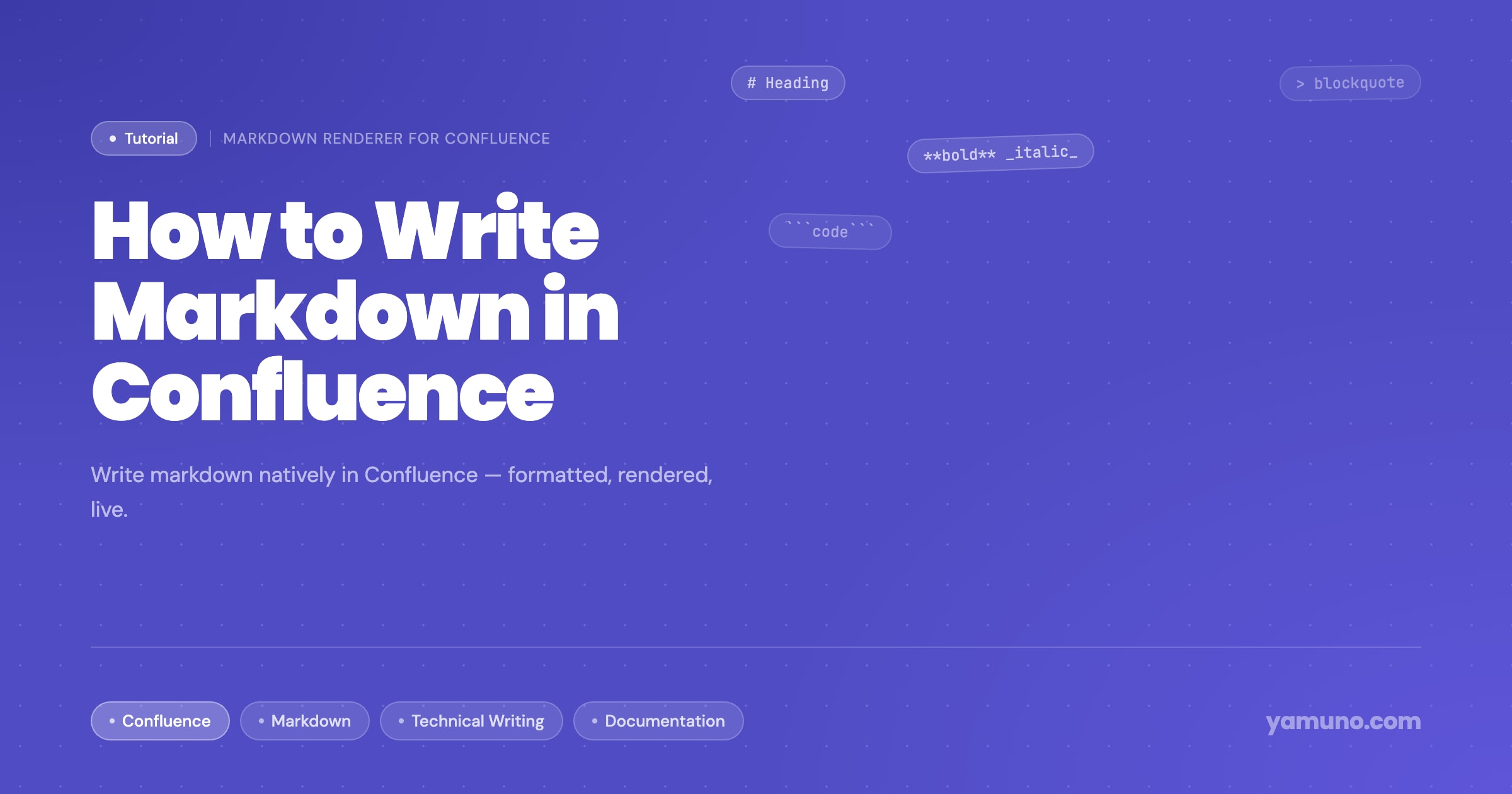
Confluence doesn't render markdown natively — paste it in and your formatting disappears. Here's how to write markdown directly inside Confluence pages and have it render perfectly.
Read more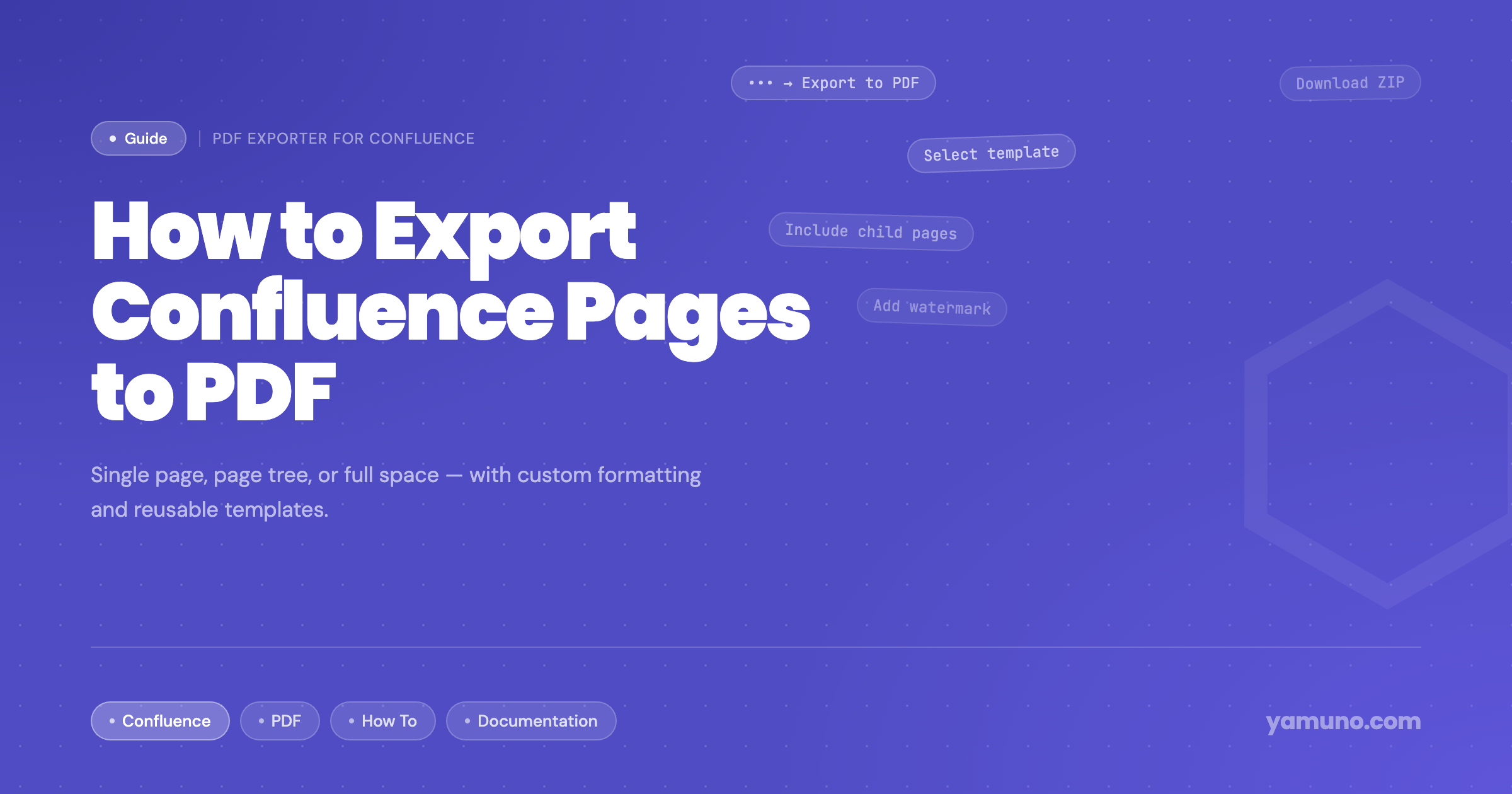
Confluence's built-in PDF export is bare-bones. Here's how to export single pages, page trees, or entire spaces to professionally formatted PDFs — with cover pages, headers, footers, and reusable templates.
Read more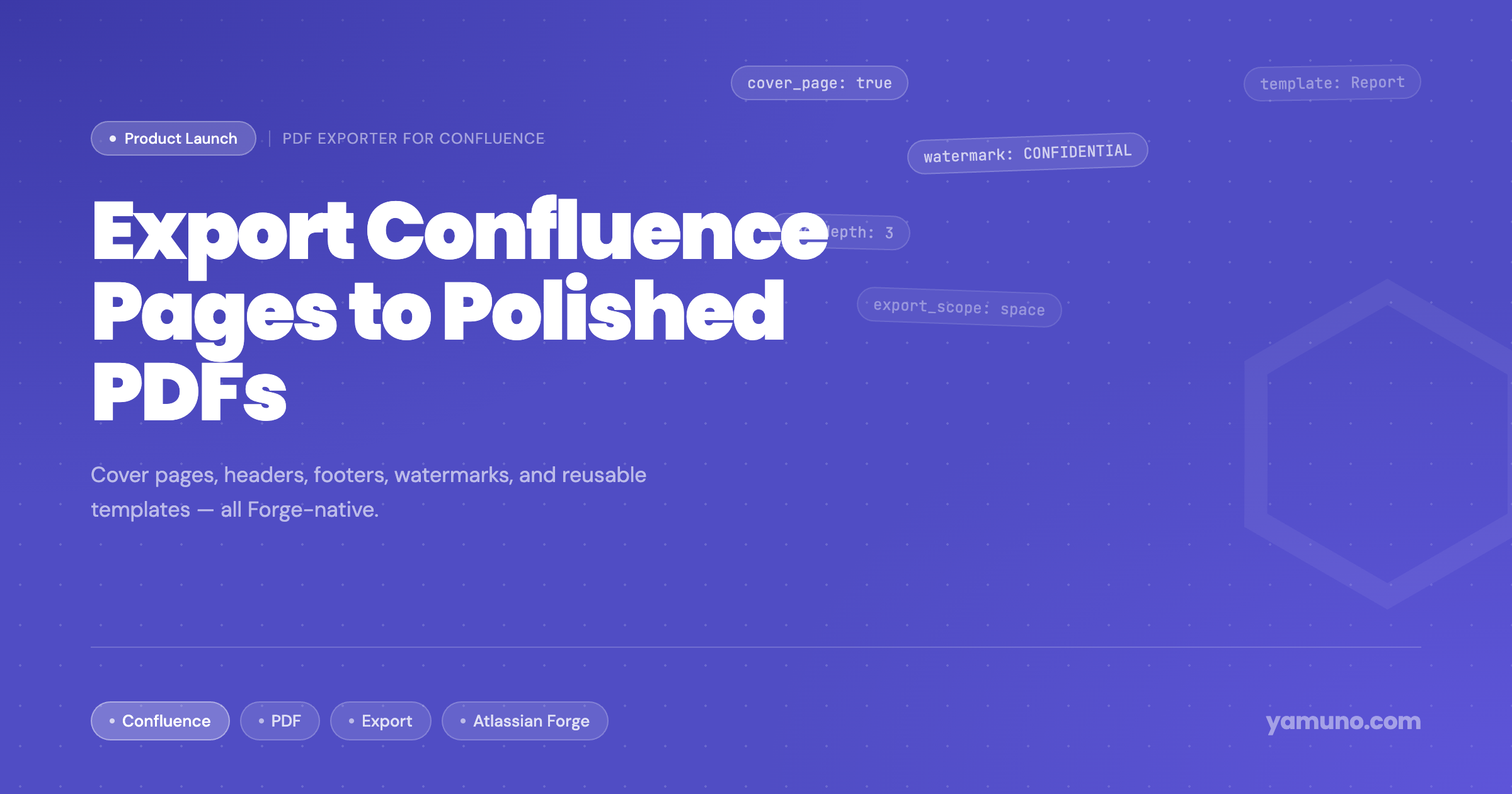
PDF Exporter for Confluence is now live on the Atlassian Marketplace. Export single pages, full hierarchies, or entire spaces to professionally formatted PDFs — with custom cover pages, headers, footers, watermarks, and reusable templates.
Read more
Moving documentation from GitHub or GitLab to Confluence doesn't have to be painful. Here's a practical guide covering manual imports, ZIP uploads, and full CI/CD automation — so your docs stay in sync with your code.
Read more