Importing one markdown file at a time into Confluence is tedious. Here's how to import dozens or hundreds of markdown files at once — with folder hierarchy, images, and frontmatter preserved.
Read more
Switching from Notion to Confluence? Here's how to export your Notion pages to markdown and import them into Confluence without losing formatting, structure, or attachments.
Read more
Keeping docs in GitHub and Confluence in sync is a constant maintenance problem. Here's how to automate it so changes in your repo show up in Confluence without anyone touching a button.
Read more
API documentation lives in too many places — README files, Postman, Swagger, random wikis. Here's how to centralize and maintain API docs in Confluence in a way developers will actually keep up to date.
Read more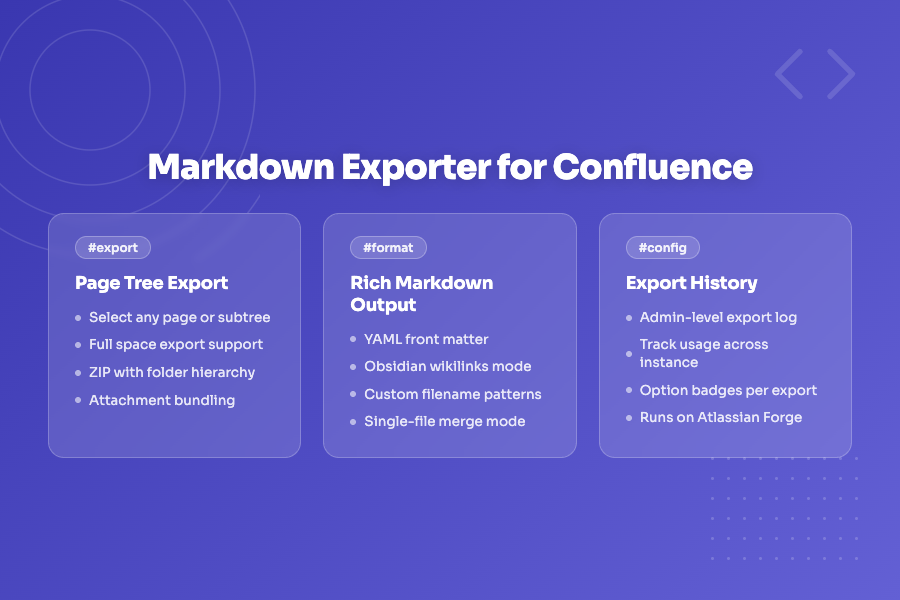
Use Confluence as your team's editing surface and Git as the source of truth. Here's how to export Confluence pages to structured Markdown files that slot directly into a docs-as-code pipeline.
Read more
Confluence doesn't render markdown natively — paste it in and your formatting disappears. Here's how to write markdown directly inside Confluence pages and have it render perfectly.
Read moreTurn your Confluence space into a fully linked Obsidian vault — with wikilinks, preserved hierarchy, and YAML front matter — without any manual reformatting.
Read more
Markdown Exporter for Confluence is now live on the Atlassian Marketplace. Export any page, page tree, or entire space to well-structured Markdown files — with YAML front matter, Obsidian wikilinks, custom filename patterns, and live preview.
Read more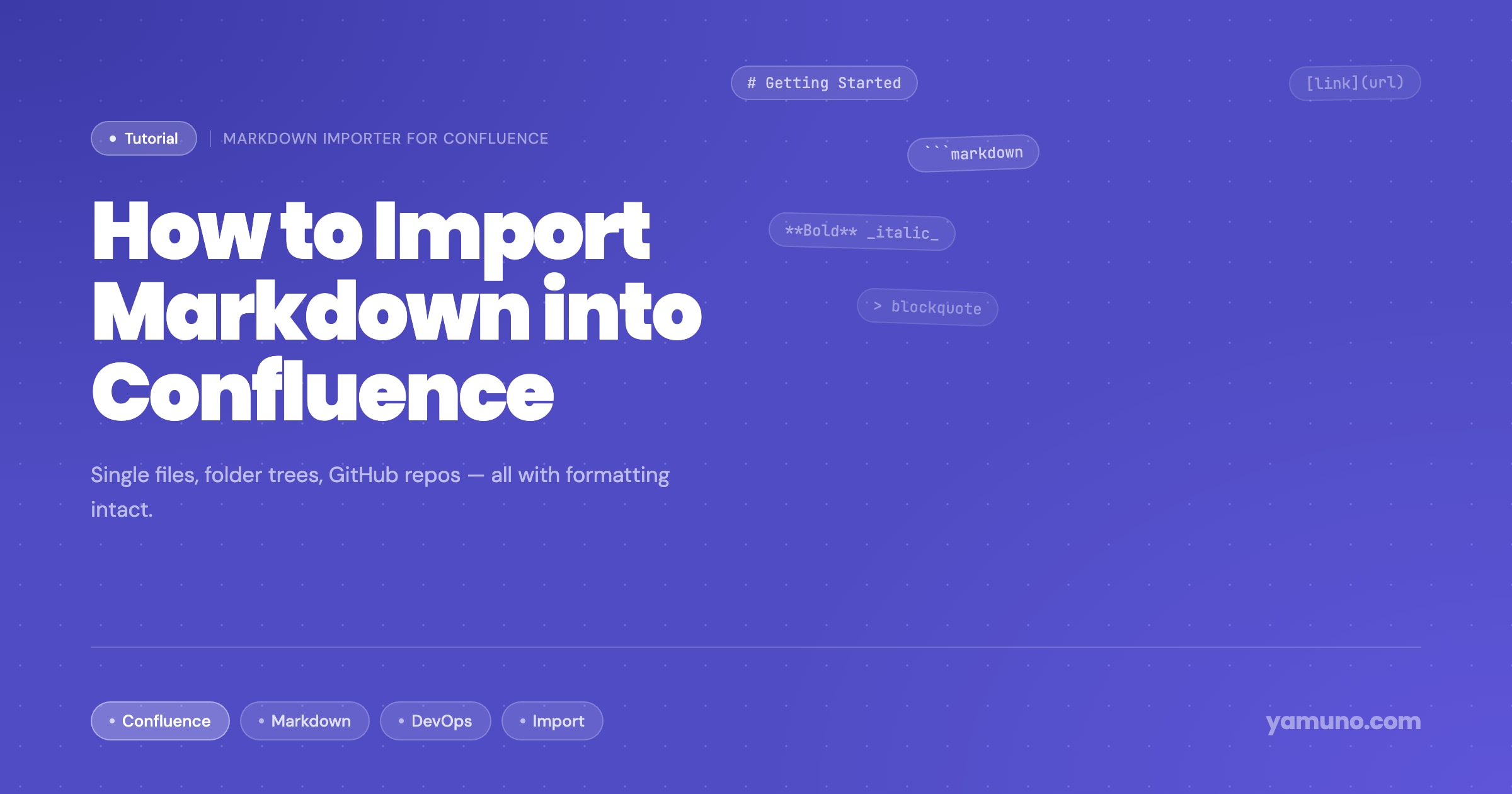
Need to get markdown files into Confluence? Here's how to import a single file, a folder of docs, or a full GitHub/GitLab repo — with formatting, hierarchy, and attachments intact.
Read more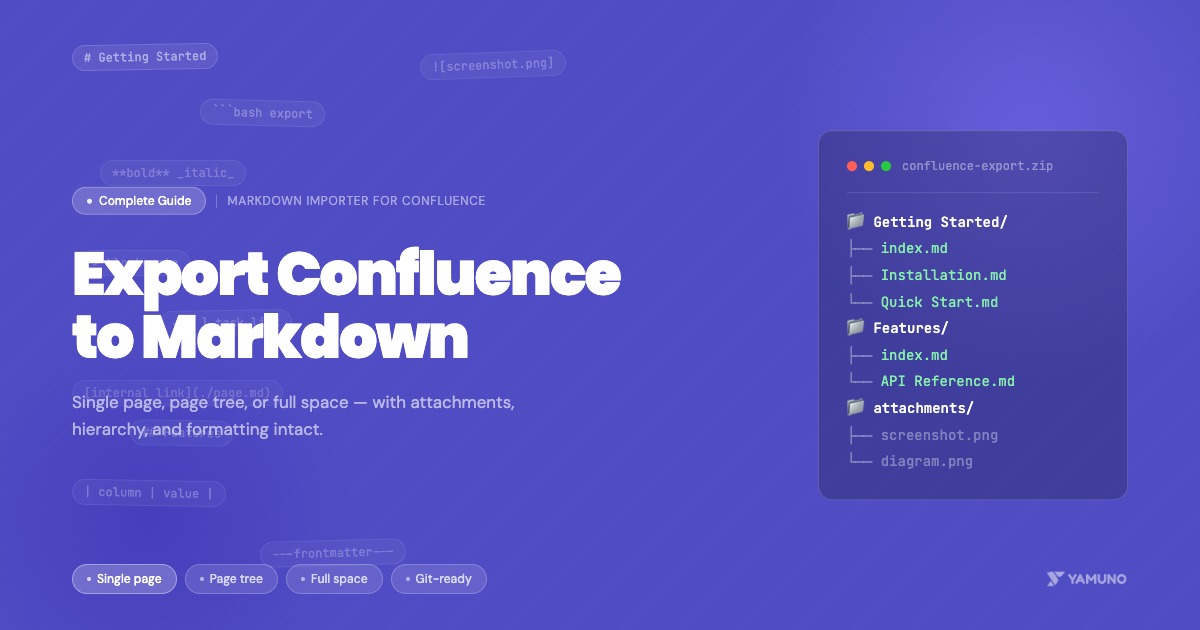
Need your Confluence docs in markdown? Here's how to export a single page, a page tree, or an entire space — with attachments, hierarchy, and formatting intact.
Read more
Moving documentation from GitHub or GitLab to Confluence doesn't have to be painful. Here's a practical guide covering manual imports, ZIP uploads, and full CI/CD automation — so your docs stay in sync with your code.
Read moreMarkdown Importer now includes the all-new Markdown Exporter feature, allowing you to export Confluence pages back to Markdown and enabling seamless two-way workflows.
Read moreWe're excited to announce the REST API for Markdown Importer for Confluence, enabling you to programmatically import markdown content from CI/CD pipelines, external applications, and automation workflows.
Read moreThe latest Markdown Importer for Confluence release brings early conflict detection, improved performance, and a refreshed UI to make importing even smoother.
Read more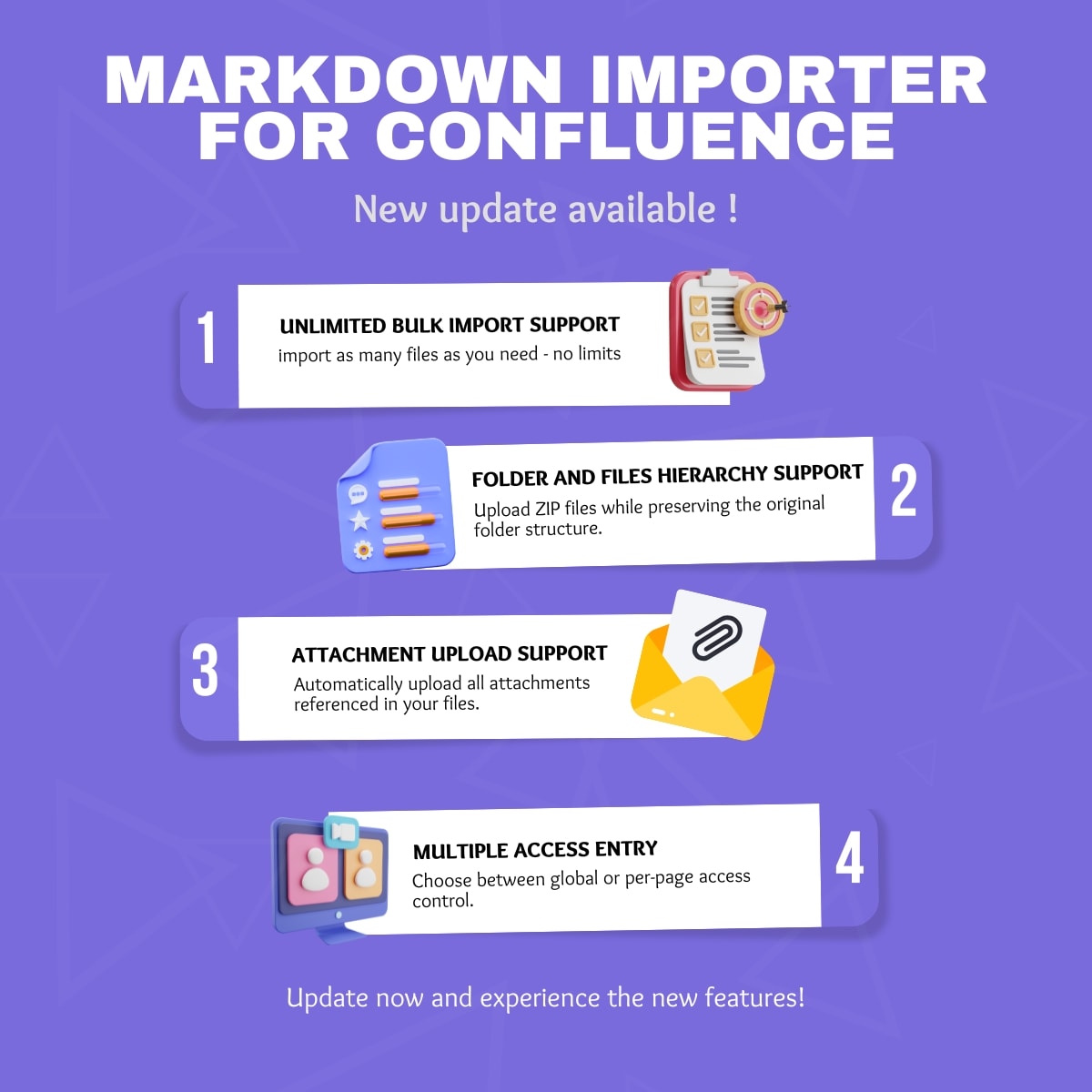
Markdown Importer for Confluence now supports unlimited bulk import, folder hierarchy preservation, attachment uploads, and multiple access modes.
Read more